
GSE Smart IPTV on Apple TV, iPhone and iPad: App Store, Setup and AirPlay
tvOS and iOS versions, adding your IPTVPlive login, AirPlay and Chromecast, and what "please unlock" means.
By IPTVPlive Editorial Team
GSE IPTV guides
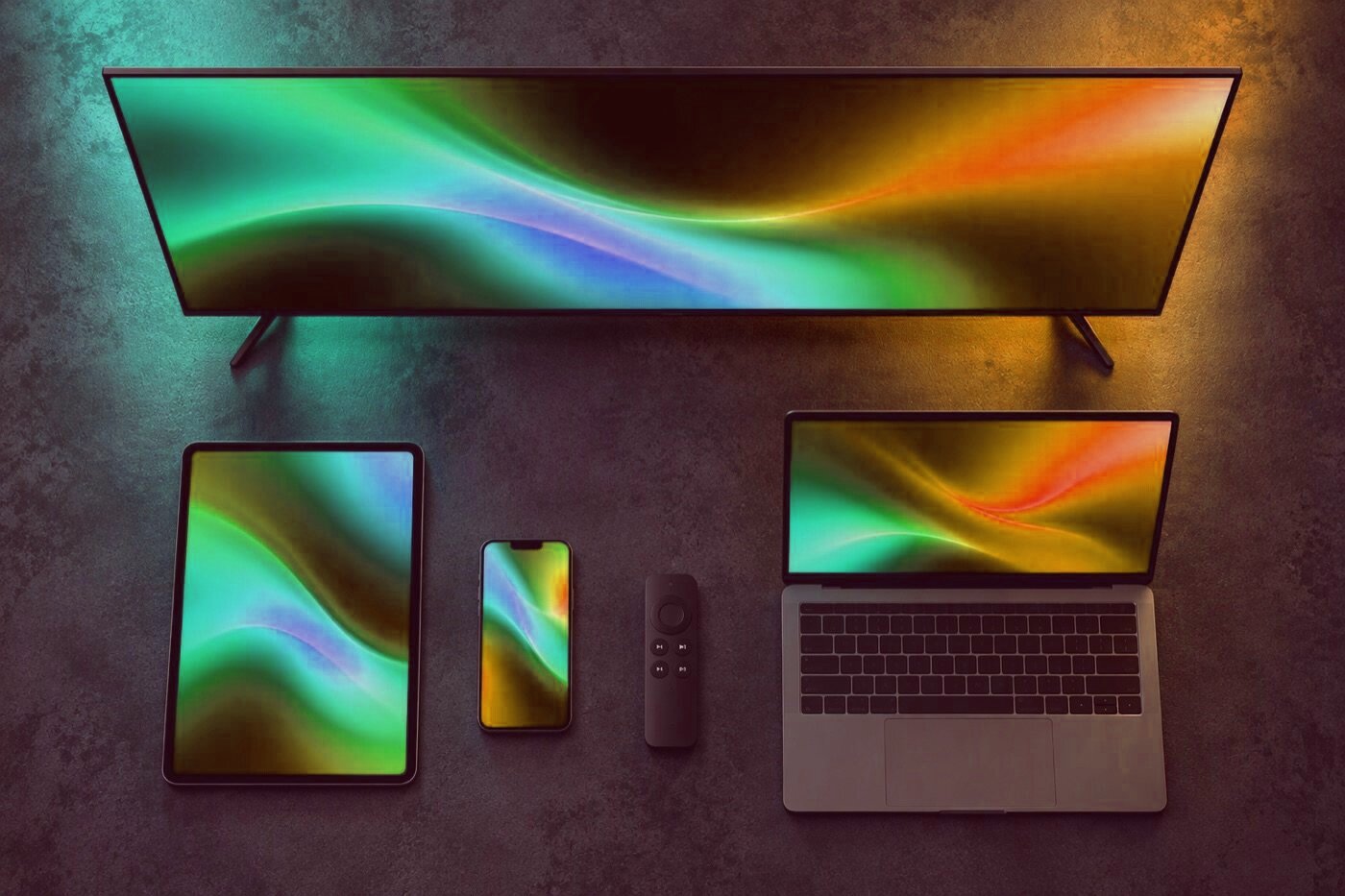
Apple devices are where GSE Smart IPTV is most popular, and "GSE Smart IPTV Apple TV", "GSE Smart IPTV iOS app store", "GSE Smart IPTV iPhone" and "GSE Smart IPTV pro price iOS" are top searches. This guide explains how to pick the right App Store version, add an IPTVPlive login, and use AirPlay and Chromecast. We are not the app developer; prices and ratings below are left to the App Store because they change.
Finding the GSE Smart IPTV App Store iOS and Apple TV App Store listings
Search the App Store on your iPhone, iPad or Apple TV for "GSE Smart IPTV". You will usually see GSE SMART IPTV PRO from the original developer and several look-alike apps from other sellers that also use "GSE" in the name. Check the seller line and the description before buying. The App Store listing shows the current price, in-app purchases, rating and which devices (iPhone, iPad, Apple TV, Mac) are supported. If you cannot find an Apple TV version on your device, it may not be available in your region or for your tvOS version.
Setup on iPhone and iPad
- Install the app and open it.
- Go to Xtream Codes API and tap +.
- Paste the server, username and password from your IPTVPlive email.
- Save and open the playlist; channels and the guide load.
GSE Smart IPTV Apple TV tvOS setup (M3U and Xtream)
Typing on Apple TV is slow, so many people add the login on iPhone first. The GSE Smart IPTV Apple TV app accepts the same Xtream entry, and the GSE Smart IPTV Apple TV M3U option works if you prefer a playlist link. Depending on the version, you can:
- Enter the Xtream details directly with the Siri Remote (use the iPhone keyboard prompt to type faster), or
- Use the app's remote playlist or web interface feature to send playlists from another device on the same Wi-Fi, if your version supports it.
Once loaded, use the guide view for live TV and the movies and series sections for on-demand.
"Please unlock" on Apple TV
Users often search "GSE IPTV please unlock Apple TV". This message generally appears when a feature or the Apple TV version needs the paid unlock or purchase tied to your Apple ID. Check the app's purchase or restore purchases option, make sure you are signed in with the same Apple ID that bought the app, and consult the developer's help page. IPTVPlive cannot unlock app features — we can only help with your subscription login.
GSE Smart IPTV iOS price, PRO iOS price and in-app purchases
The GSE Smart IPTV iOS price, the GSE Smart IPTV PRO iOS price and any in-app purchases are shown on the live App Store listing for your country. We do not repeat them here because they change.
AirPlay and Chromecast
- AirPlay: play a channel on iPhone or iPad and choose your Apple TV or AirPlay-capable TV from the AirPlay menu. If you only get audio, try mirroring or the app's own player settings.
- Chromecast: the iOS listings state Chromecast support. Your iPhone and the Chromecast must be on the same network; some stream formats cast better than others.
Apple TV 4K, Apple TV 4 and older models
Newer Apple TV models handle 4K and large guides more smoothly. Very old models (Apple TV 3) cannot install App Store apps at all; AirPlay from an iPhone is the only route there.
Test before you pay
Start the free 24-hour trial, add it to GSE on your Apple TV, and watch for an evening. If playback misbehaves, see the GSE fixes.
Getting the best picture on Apple TV
- Set the Apple TV video format to match your TV and turn on Match Dynamic Range and Match Frame Rate in the Apple TV video settings.
- Prefer Ethernet for Apple TV 4K models.
- In GSE, choose the decoder that plays most smoothly on your channels.
- If text is hard to read from the sofa, increase the font size or switch theme in the app settings where offered.
iPhone and iPad tips
Use picture-in-picture on supported versions to keep a match playing while you browse. On iPad, landscape mode shows the guide and the player side by side in some versions. Download options for on-demand content, where offered, are handy for travel.
Family sharing and multiple Apple IDs
Paid apps may be available to family members through Apple's Family Sharing if the developer has enabled it. If GSE asks you to unlock on a family member's device, check whether the purchase is shared or needs restoring under the purchaser's Apple ID.
Apple TV and iOS questions
Is GSE Smart IPTV on Apple TV?
There are tvOS versions on the App Store; availability can vary by region and tvOS version. Check the listing on your Apple TV.
What is the GSE Smart IPTV pro price on iOS?
It is set by the developer and changes, so check the App Store listing for your country.
What does "please unlock" mean on Apple TV?
Usually a feature needs the paid unlock or a purchase linked to your Apple ID. Try restore purchases and check the developer's help.
Does GSE support AirPlay?
Yes, you can AirPlay from iPhone or iPad to an Apple TV or AirPlay-capable TV.
Does GSE on iPhone support Chromecast?
The iOS listings state Chromecast support; both devices must be on the same network.
Can I use GSE on Apple TV 3?
No App Store apps run on Apple TV 3; use AirPlay from an iPhone instead.
Try it on your Apple TV
Free 24-hour trial with an Xtream login for GSE.
More GSE IPTV Guides
What Is GSE Smart IPTV and Which Subscription Do You Need?
GSE Smart IPTV is a player with no channels. What the app does, what a GSE IPTV subscription adds, and how to add channels to GSE.
GuidesGSE Smart IPTV Xtream Codes, M3U and EPG Setup
Does GSE Smart IPTV support Xtream Codes? Yes. Step-by-step Xtream Codes API and M3U playlist setup, EPG guide loading and playlist settings.
Device SetupGSE IPTV on Firestick, Fire TV and Android
Can you get GSE Smart IPTV on Firestick or Android? Availability, downloader codes, safer APK sources and players that use the same login.